
Spark Driver is Walmart’s platform for independent contractors who deliver store orders.
Approval hinges on meeting eligibility requirements, passing identity and background checks, submitting correct insurance documents, and waiting for zone availability.
This guide explains what Spark requires, how the process works, realistic timelines, and practical steps to speed things up.
Know The Eligibility Checklist Before You Start
You must be 18 or older, authorized to contract in the U.S., and provide your legal name, contact details, and Social Security number.
You must hold a valid, unexpired U.S. driver’s license along with a selfie for identity verification.
You also need a U.S. mobile number (+1 + 10 digits), a bank account for payouts, and proof of auto insurance for the vehicle you’ll use.
A smartphone with a camera and GPS is required.
Two immediate implications for “fast approval”
If the name on your insurance doesn’t match the name you enroll with, or the insurance image crops out your name/vehicle/expiration date.
Your application can stall before that.
The phone number format matters; a U.S. +1 number is required, which can trip up applicants using virtual numbers or non-U.S. codes.
Understand The Steps (and where delays happen)
Select a zone, enter personal information, upload insurance, complete identity verification, sign documents, and proceed to background checks.
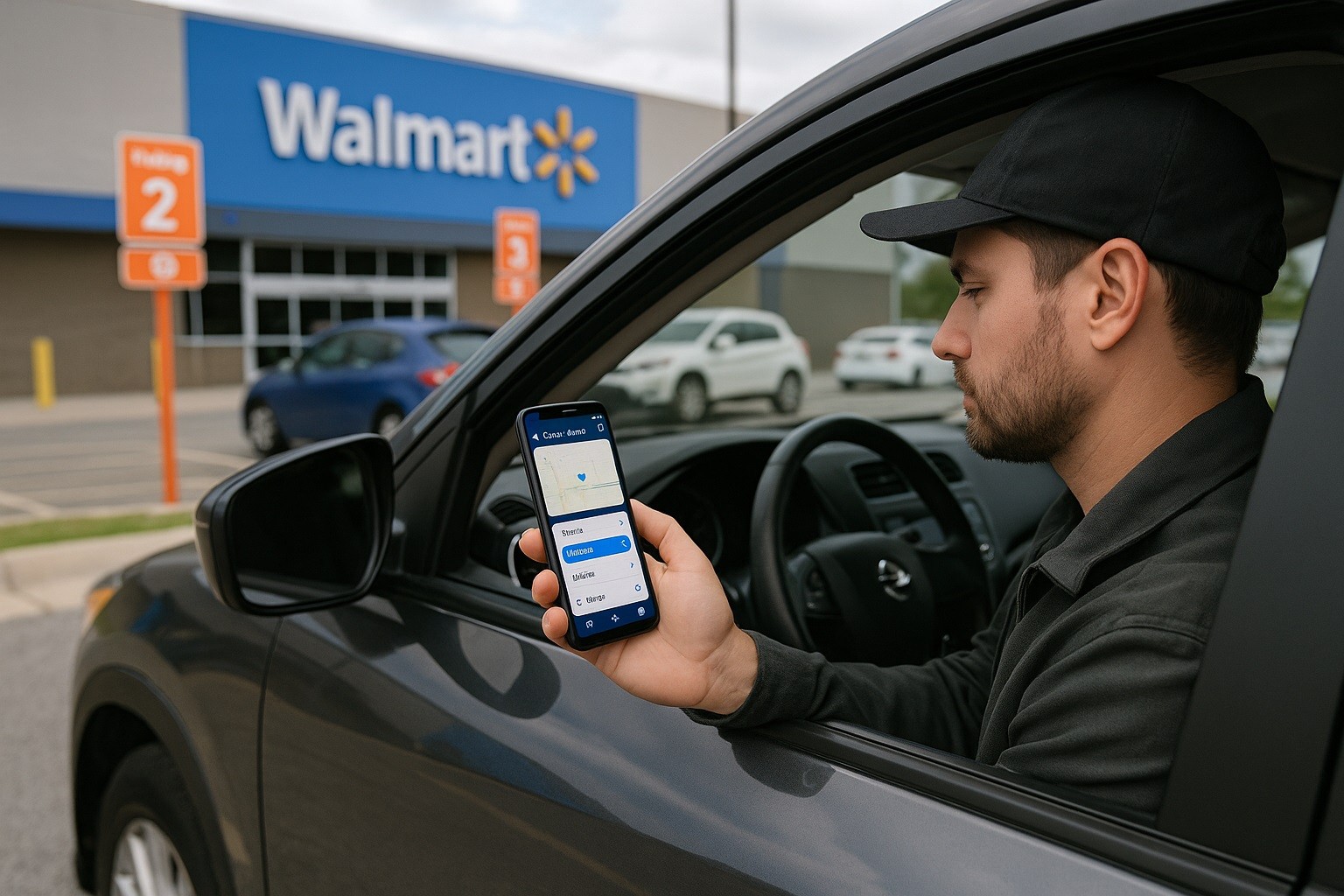
You can start by tapping Sign Up on the official site or by downloading the app; your account remains pending until your local “zone” opens.
Two Bottlenecks Drive Most Delays
Identity verification. Spark uses real-time selfie checks against your ID.
In some markets, in-person ID checks have been piloted to combat account fraud. If you’re prompted, completing this promptly keeps your file moving.
Zone availability and waitlists. You’re notified after you complete enrollment (including background check) when your zone has availability.
Background checks: what to expect and how long they take
Spark drivers undergo background screening facilitated by a contractor that uses modern screening platforms to streamline checks.
Typical employment background checks are completed in about 3–5 days
They can finish faster or take longer when county court searches are backlogged or identity data is inconsistent.
Many applicants can track their status in a candidate portal if a link is provided.
Speed tips for this stage
Ensure your legal name, SSN, and date of birth are exactly as on your ID—typos or inconsistencies cause re-runs.
If the report seems stuck, check your screening portal for needed actions instead of waiting passively.
Upload high-quality, readable images for your ID and insurance; unreadable images are a common source.
Insurance Documentation: Common Pitfalls to Avoid
Your proof of insurance should clearly display your name used during enrollment, the policy expiration date, and vehicle details.
If your policy lists someone else as the named insured and omits your name, ask your insurer to add you and upload a fresh proof of insurance.
If your policy expires during onboarding, your access can be restricted until you upload updated proof.
Speed tips
Before you enroll, request a digital proof of insurance (PDF or app screenshot) from your insurer that clearly lists your name and VIN.
When you upload, confirm the image is not cropped, right-side up, and legible on a small phone screen—the standard reviewers use to accept documents.
Identity Verification: Prevent Avoidable Rejections
Spark uses real-time selfie checks inside the app and has tested in-person identity verification in some areas to reduce fraud.
For applicants, this means two things
Set aside time to complete any selfie prompts in good lighting, and if asked to verify in person, do it quickly to avoid being stuck in a verification loop.
Security note
Reports in business media have described account takeovers affecting some drivers.
Use strong, unique passwords and enable available security prompts; quick responses to verification requests also reduce lockouts.
The Waitlist Reality—And What You Can Control
Spark doesn’t publish a standard wait time. Access comes when the zone has availability.
Because demand fluctuates by location and season, two applicants who finish background checks the same week can see very different start dates.
You cannot force a zone to open, but you can monitor the app, enable notifications, and be ready to accept onboarding tasks the moment they appear.
Practical steps while you wait
Turn on push/email notifications in the app so you don’t miss your invitation window.
Keep documents current—if insurance or your license expires while you’re waiting, upload updated proof immediately to avoid last-minute blocks.
Check neighboring zones if you can legally and practically drive there; availability is zone-specific.
A Step-by-Step “Fast Approval” Checklist
Follow this.
- Confirm eligibility and tech. You meet the age requirement (18+), have U.S. work authorization, a valid driver’s license, a +1 U.S. phone number, and a smartphone with a camera/GPS.
- Prepare documents. Secure a clean photo or PDF of your insurance with your name, expiration date, and vehicle info; verify your bank account info; and have your SSN details handy for exact entry.
- Enroll correctly. Start via the official site or app; pick the correct zone; enter personal data exactly as on your ID.
- Complete identity checks immediately. When prompted for a selfie or in-person ID verification, do it the same day in good lighting; bring your license to any store-based verification.
- Track your background check. Use the provided candidate portal to monitor status and respond to required actions; typical turnaround is 3–5 days, but it varies by county and record searches.
- Stay ready for activation. After screening, availability is zone-dependent. Keep notifications on and your documents current so you can accept onboarding the moment your zone opens.
Common Reasons Applications Stall (and quick fixes)
Mismatched names or typos (ID vs. application vs. insurance).
- Fix: re-enter exactly as printed on your license/SSN; upload corrected insurance proof showing your name.
Unreadable uploads (cropped, blurry, sideways).
- Fix: retake photos with full page in frame, right-side up, high contrast.
Missed verification prompts.
- Fix: complete selfie or in-person verification promptly; delayed action can trigger holds.
Background check holds.
- Fix: check your screening portal for required inputs; county delays happen, but you can prevent re-runs by ensuring accurate identity data.
Zone not open yet.
- Fix: monitor the app and consider nearby zones if feasible; the platform notifies you when availability changes.
What Not To Do If You Want Speed
Don’t use a non-U.S. phone number or a VoIP that can’t receive verification.
Don’t submit insurance under someone else’s name and assume it will pass; the proof must show your name.
Don’t ignore identity prompts or rely on repeated low-light selfies; verification failures are common without good lighting or prompt action.
Bottom Line
Fast approval on Spark Driver comes from getting the fundamentals right.
Final activation still depends on zone availability; there’s no fixed timeframe, so staying ready is the advantage you control.
Follow the checklist above to minimize preventable delays and start as soon as your market opens.